How to Watch Esports Live in 2026: Streams, Schedules and Setups
Watching esports live should be simple: find the stream, check the time, press play. In practice, regional rights, multiple languages and spoiler-heavy thumbnails make it harder than it needs to be. This guide covers where official streams live, how to build a spoiler-free schedule, and what hardware actually improves the experience.
Where the Official Streams Live
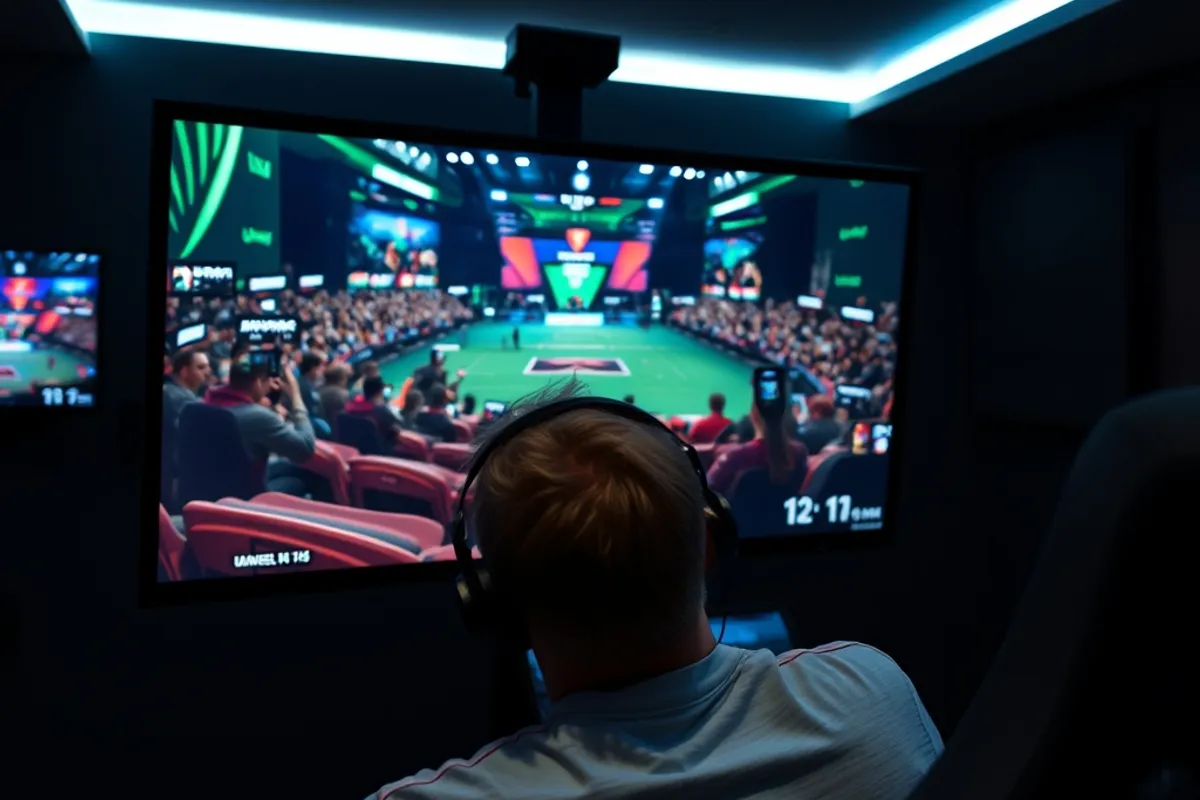
Most major tournaments stream on two platforms: a video platform with a main channel and a game-specific channel, and a live streaming site with co-streams. Start with the official channel listed on the tournament page, then use a co-stream only if you want commentary in another language or a more casual tone.
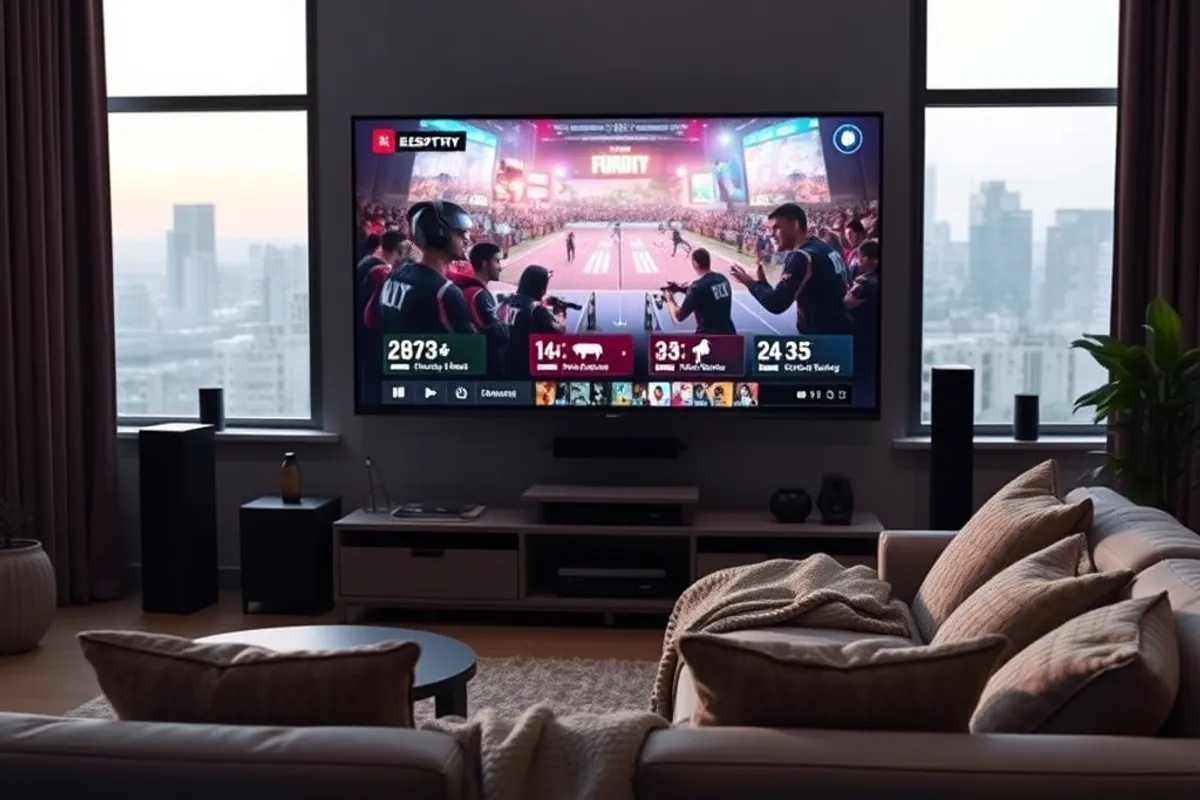
Beware of re-upload channels that use official logos. Check the tournament website for a linked stream, and confirm the channel handle. If a stream asks for a login or payment for a match that is advertised as free, close the tab. Official free streams never require a credit card.
Building a Spoiler-Free Schedule
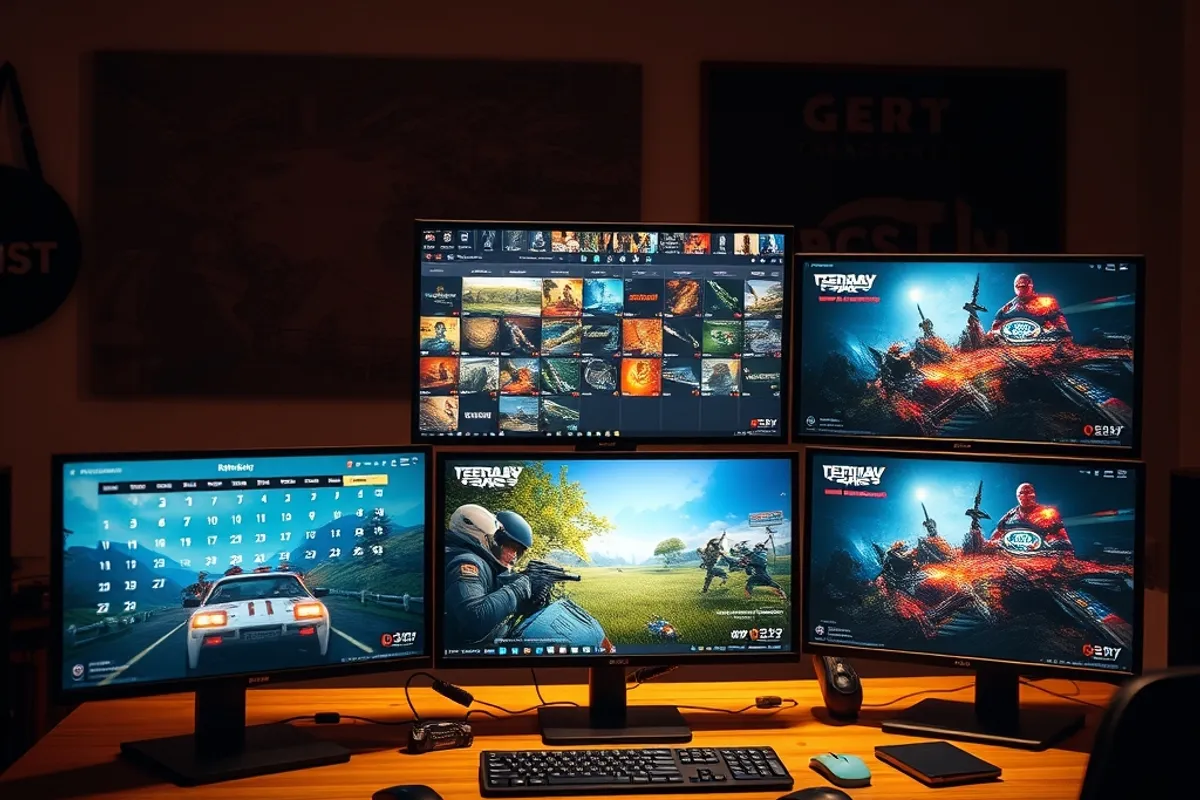
The easiest spoiler fix is to follow the tournament bracket page, not social media. Bookmark the bracket, mute suggested posts, and use a calendar reminder for the matches you care about. Most tournament sites publish a schedule with a timezone selector; set it once and keep it.
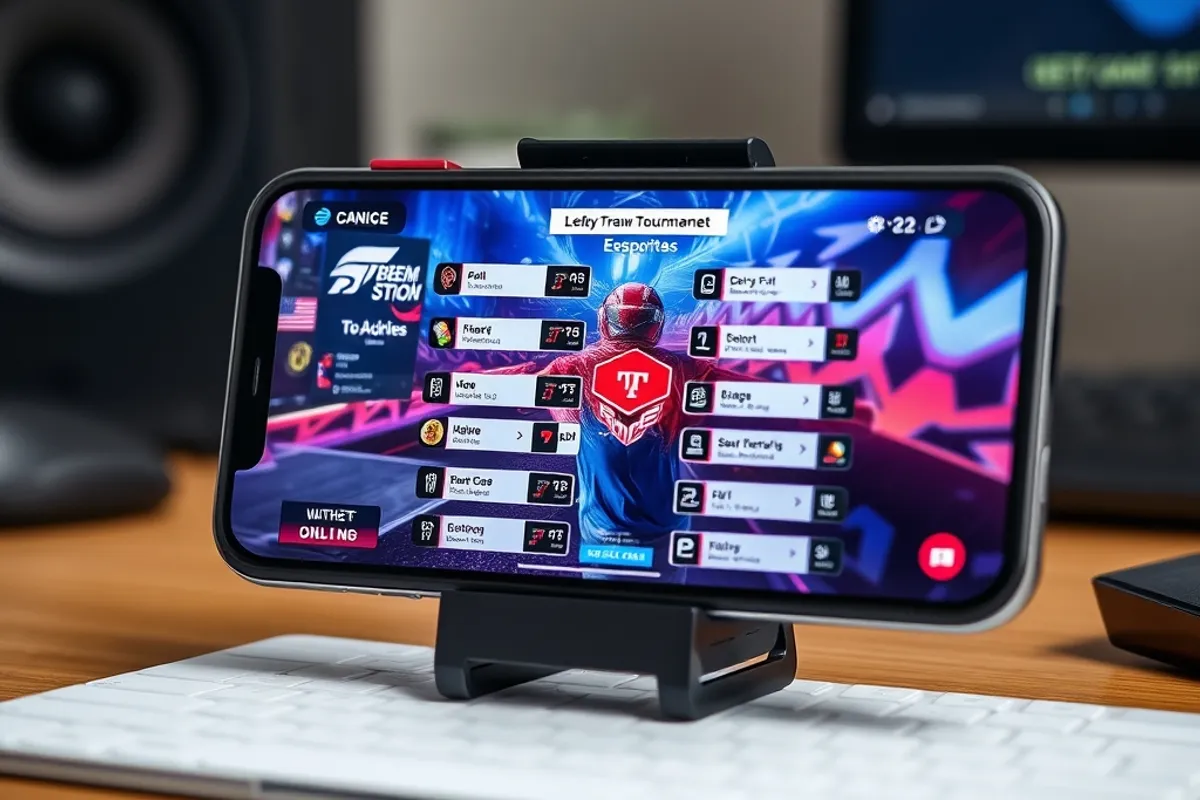
If you watch on demand, avoid thumbnails with score overlays. Some platforms let you hide titles and images in settings; use it. A simple rule that works: open the match page directly from the bracket, never from a recommendations feed.
A Budget Viewing Setup
A 1080p stream at 60 fps needs about 6 to 8 Mbps of stable bandwidth. Wired Ethernet is still the most reliable option; if you must use Wi-Fi, sit on the 5 GHz band and keep the router in line of sight. Our test stream held 60 fps on a 25 Mbps connection with two other devices active.
You do not need a 240 Hz monitor to enjoy a tournament. You need a stable connection and a second screen, even if it is a phone.
A second screen for the bracket or stats is more useful than a bigger monitor. A tablet or phone works fine. If you use headphones, closed-back models block room noise, but open-back models are more comfortable for four-hour finals. Budget $50 to $100 for either.
Co-Streams and Commentary
Co-streams are alternate broadcasts hosted by retired players or creators. They are often more entertaining and less formal than the official feed, but they can lag behind by 10 to 30 seconds and may not show the full observer view. Use them for analysis, not for score accuracy.
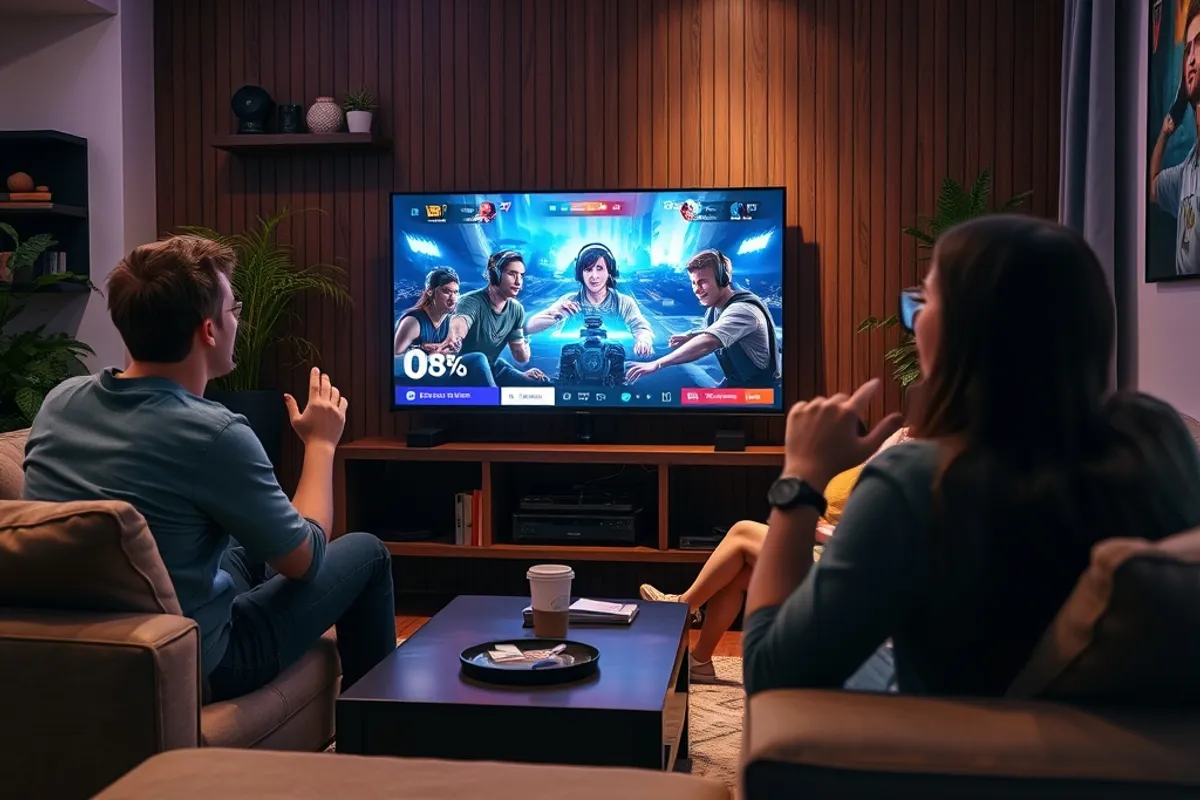
For a first tournament, watch the official broadcast. The observers and casters are paid to explain the action. Once you know the teams, switch to a co-stream for personality. Avoid co-streams during a final if you care about spoilers from chat; the delay is not always enough.
Watching a Live Event
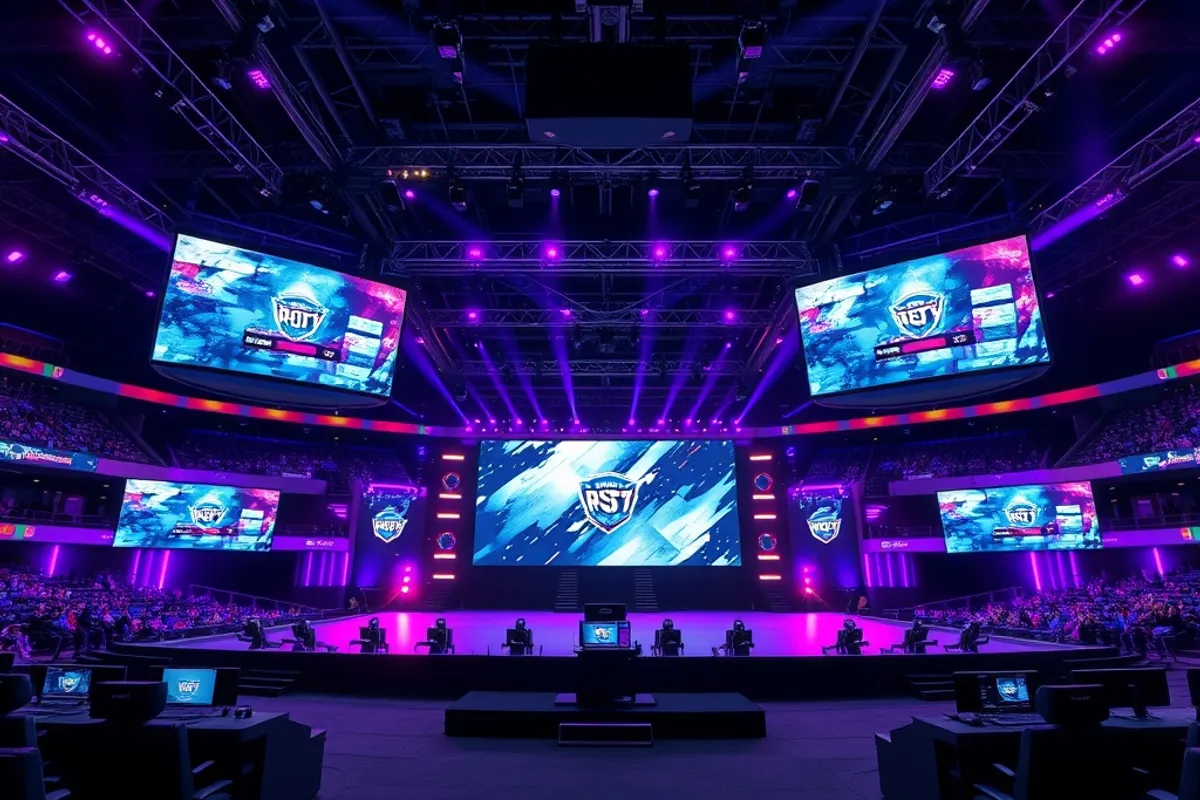
If you attend in person, check the venue bag policy and arrival window before buying a ticket. Esports events often open doors two hours early for warm-ups and fan zones. Bring a portable battery; arenas rarely have enough outlets, and a phone is your schedule, ticket and camera.
Live events are louder and slower than streams. There are breaks between maps, and the crowd noise can drown out casters. Earplugs help, and they are not a sign of weakness. The upside is atmosphere: a close map feels different when 10,000 people react together.
Building a Weekly Habit
Pick one league and one team. Watch their weekly match, then read a five-minute recap. That is enough to follow a season without watching every game. Add a second league only after the first becomes routine.
Use the tournament schedule as a calendar, not a to-do list. Missing a match is fine; the bracket will still make sense. The best way to enjoy esports is to follow a story, not to chase every result. Start with one series this week.
- A 1080p 60 fps stream needs about 6 to 8 Mbps of stable bandwidth.
- Official free streams never require a credit card or login.
- Co-streams can lag 10 to 30 seconds behind the official feed.
- A second screen for brackets adds more value than a bigger monitor.
- Events often open doors two hours early; bring a portable battery.